4,100+ students learning After Effects
Become the motion designer clients hire.
Step-by-step After Effects courses, from your first keyframe to client-ready projects. Lifetime access and personal support 24/7
See the bundles, save up to 75%What students say
“Undoubtedly, an interesting and well-organized course. An amazing job was done by the trainer while putting so much effort into the free course. Personally, I am going to continue with his premium courses and would suggest doing it to all my fellow designers who are just stepping into the motion graphics world. Love it!”
Vakhtangi Kachukhashvili
“I had some experience in After Effects and was using it for years on and off. But this course is teaching me so many new functionalities and techniques that I never knew before. Highly recommend this to everyone who considers to dive a bit deeper into motion graphics with AE!”
Andrej Glushtschenko
“I was approved as a motion designer and got a job.”
Nikita
Your journey: ten courses from your first keyframe to studio-level work
Each course unlocks the next. Follow the path in order and you will never wonder what to learn next.
STAGE 1 · 3 COURSES · 17 HOURS
Learn the tool

Course 1
The Beginner’s Guide to After Effects
Beginner · 9 hours · Free
Dive into After Effects. And guess what? We'll actually create something awesome along the way. In this course, you'll get a taste of the actions we commonly use in motion design projects.

Course 2
Micro Animation
Beginner · 3 hours · $26
Learn all about working with basic shapes in After Effects. The good news is that you will not only learn how to create and animate them, but you will also learn how to apply them in real-world projects that you can offer to your clients.

Course 3
Text in Motion
Beginner · 5 hours · $32
Master the art of animating text layers and typography in After Effects. It's a unique nine-lesson adventure that'll make learning After Effects super fun!
STAGE 2 · 3 COURSES · 10.5 HOURS
Make small projects

Course 4
Logo Animation
Beginner - Advanced · 6 hours · $42
Love to design logos? Great, now it's time for you to learn how to animate them as well. Create five different types of Premium Logo Animations while exploring the best software for Motion Graphics-Adobe After Effects.

Course 5
Animated Poster
Beginner - Advanced · 1.5 hours · $24
Learn to turn static images into dynamic animations with After Effects. Combine elements for added movement, and by the end, you'll be able to create your own animated posters.

Course 6
Animation for Social Media
Beginner - Advanced · 3 hours · $48
Learn how to work on big animation projects from start to finish. Trends may come and go, but the skills you learn here will stick with you forever. You'll learn how to tackle any project, even complicated ones like explainer videos.
STAGE 3 · 3 COURSES · 20 HOURS
Work like a studio

Course 7
Transition Mastery
Advanced · 6 hours · $56
After this course, you'll understand different video transitions and what to focus on for inspiration. You'll learn to create transitions effectively and when to choose one type over another.

Course 8
AI for Motion
Advanced · 1.5 hours · $36
Create advanced After Effects animations without writing code. Using AI tools like ChatGPT, you’ll build smart systems like carousels, hover effects, and bouncy UI panels, making your workflow faster, easier, and way more fun.

Course 9
SaaS Explainer Pro
Advanced · 12.5 hours · $74
Learn to create professional SaaS explainer videos from Figma to After Effects. Master UI animation, timing, and studio-level workflows.
BONUS · 1 COURSE · 3 MODULES · UPDATED REGULARLY
Premium Effects Collection
Module 1
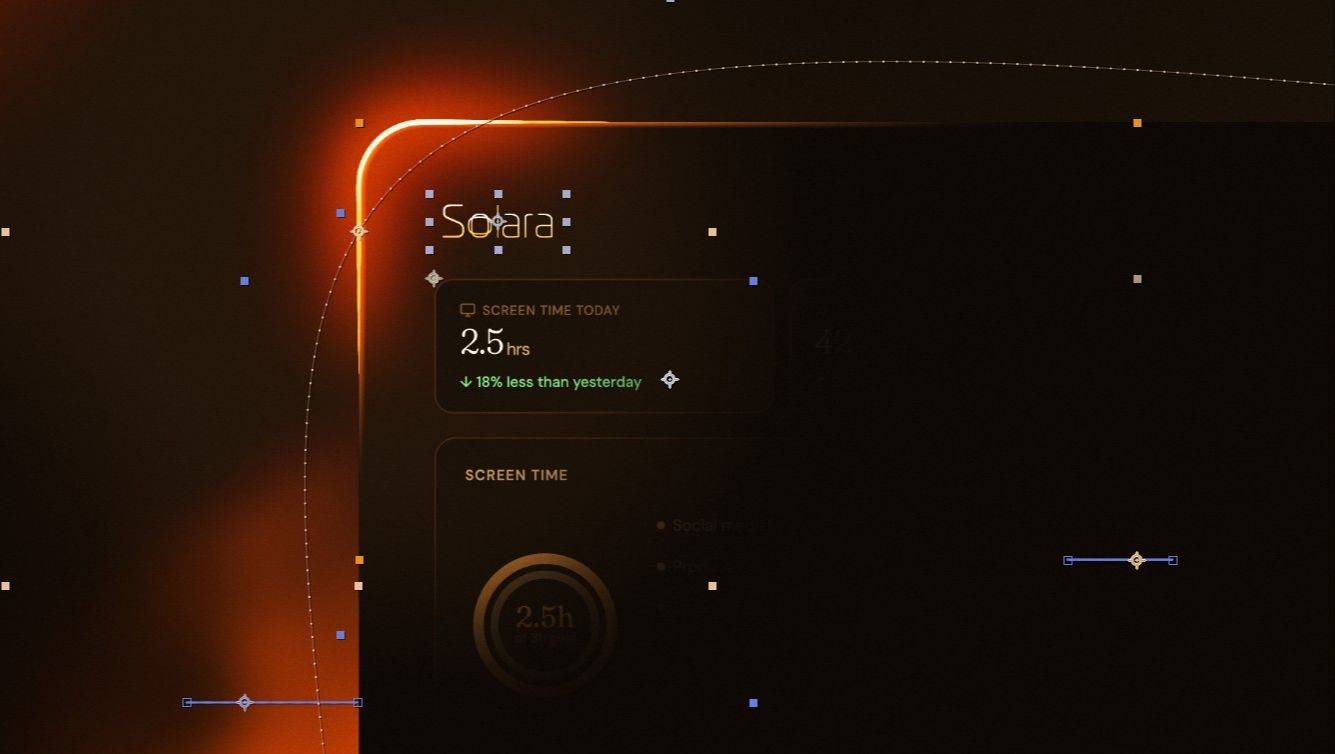
Premium Border Beam Animation
Intermediate · 6 lessons · Included
Build a premium Border Beam Animation from scratch. You will not only learn how to make it look great, but also what is behind each step, what issues you might run into and how to fix them. All without plugins, entirely native in After Effects.
Module 2
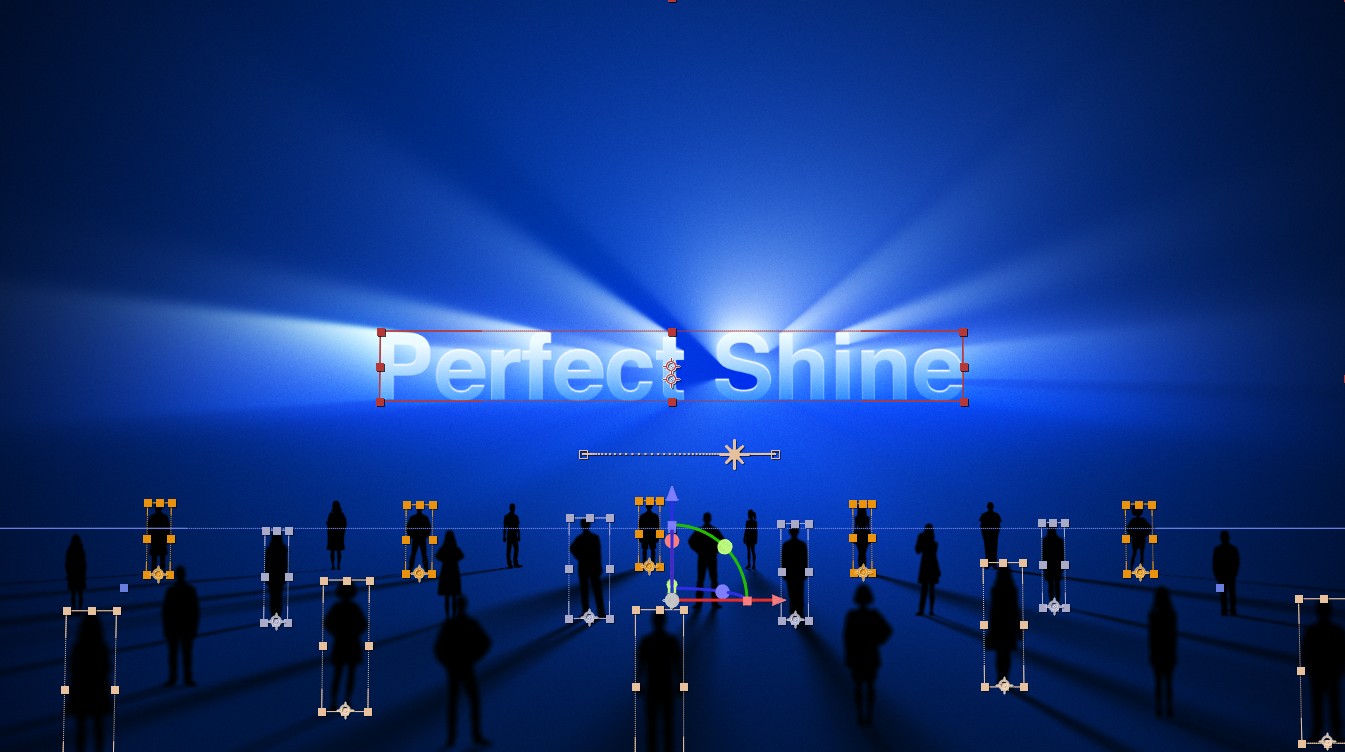
The Perfect Shine
Intermediate · 8 lessons · Included
Create the shine effect you see in high-end SaaS videos. Set up and animate a shiny screen, a shiny UI screen and a shiny text scene, plus a bonus light transition. All without plugins, entirely native in After Effects.
Module 3
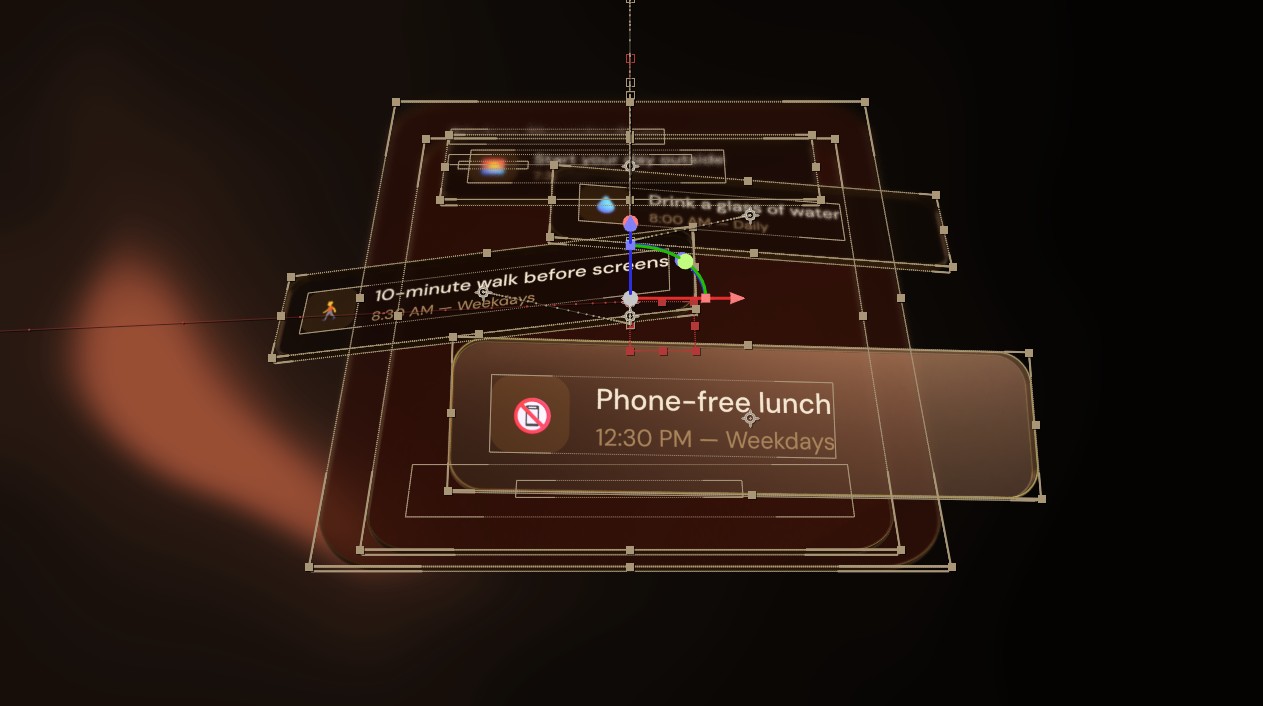
Advanced 3D UI Design and Animation
Intermediate · Coming soon · Included
Design and animate advanced 3D UI scenes in After Effects. Coming soon. Free for everyone who owns the course when it launches.
🎯 Destination: client-ready motion designer
Every core course is in every bundle. Courses worth $302 from $90.
Get the full journeyReal students, real progress
“So far, I am actually enjoying this. It’s the first time I’m actually not bored that I want to exit. I’m looking forward to continuing this lesson tomorrow. Thanks for knowing what we want. Executing what you promised in the preview and getting straight into it.”
Melea J
“Your courses have elevated my skillset and I am now able to confidently execute animation tasks at work.”
Emmanuel Simango
“Yeah, so great. He teaches so easily that a baby can easily understand it. The course is easy ease. I can’t wait to learn more.”
Josiah Damilare
Choose your bundle
One-time payment, lifetime access

✔️ Lifetime Access!
✔️ 24/7 Support For Any Question
✔️ Beginner's Guide to After Effects (Free)
✔️ Micro Animation ($26)
✔️ Text in Motion ($32)
✔️ Premium Logo Animation ($42)
✔️ Animated Poster ($24)
✔️ Animation for Social Media ($48)
✔️ Transition Mastery ($56)
✔️ SaaS Explainer Pro ($74)
✔️ Access to Private Community
Total value: $302
⏰ Save 70%
(Available with 2 easy installments)

✔️ Lifetime Access!
✔️ 24/7 Support For Any Question
✔️ Beginner's Guide to After Effects (Free)
✔️ Micro Animation ($26)
✔️ Text in Motion ($32)
✔️ Premium Logo Animation ($42)
✔️ Animated Poster ($24)
✔️ Animation for Social Media ($48)
✔️ Transition Mastery ($56)
✔️ SaaS Explainer Pro ($74)
✔️ Access to Private Community
➕ 90+ Animated Project Files ($39)
➕ 50% Off All Upcoming Courses
Total value: $341
⏰ Save 70%
(Available with 2 easy installments)

👉Best Value
✔️ Lifetime Access!
✔️ 24/7 Support For Any Question
✔️ Beginner's Guide to After Effects (Free)
✔️ Micro Animation ($26)
✔️ Text in Motion ($32)
✔️ Premium Logo Animation ($42)
✔️ Animated Poster ($24)
✔️ Animation for Social Media ($48)
✔️ Transition Mastery ($56)
✔️ SaaS Explainer Pro ($74)
✔️ Access to Private Community
➕ 90+ Animated Project Files ($39)
➕ 50% Off All Upcoming Courses
➕ Private Lesson With Valeri ($75)
➕ Motion By Design eBook ($49)
Total value: $461
⏰ Save 75%
(Available with 3 easy installments)
00
Days
00
Hours
00
Mins
00
Secs
⚠️ Prices go up soon. Lock in your current price before it’s too late.

Love it or get your money back
Not satisfied within 7 days? Just reach out and you get a full refund.
Built so you actually finish
👀
Visual breakdowns
See every step before you do it.
❓
Mid-lesson questions
Check your understanding as you go.
💻
Mac and PC friendly
Shortcuts shown for both.
⌨️
Shortcut guides
Work faster from lesson one.
☕
Built-in breaks
Short lessons that respect your focus.
💬
Real support
Ask Valeri anything, any time.
From headache to easy as ABC
“Valeri you are the best, thank you so much. After Effects has been a headache for me but with it’s easy as ABC.”
Eze Amaefule
“Well, I was a good motion designer before, but now I know I knew nothing. 10 out of 10.”
Buhkary
“Valeri, you are a lifesaver brother, so many clients and new knowledge.”
petar240
Meet your teacher

Hi, I’m Valeri👋
I’m a motion designer and the founder of Design in Motion School. I also run a motion design studio called Valeri Visuals, where I work on real projects and help brands bring ideas to life through animation.
68K YouTube subscribers · 155K Instagram followers · 4,100+ students

Why I Teach
What I realized over time is that most people don’t struggle because they’re not talented enough. They struggle because they’re learning things in the wrong order.
That’s why everything inside this school is structured the way it is. I share exactly what I use in my own work, and I focus on helping creatives build real motion design skills, gain confidence, and create work they’re proud to show.
